Case study
Digital Twin IoT App Case Study: TheHexaTown Office
A 3D replica of our office that streams live IoT data, so the building can be monitored and controlled remotely.
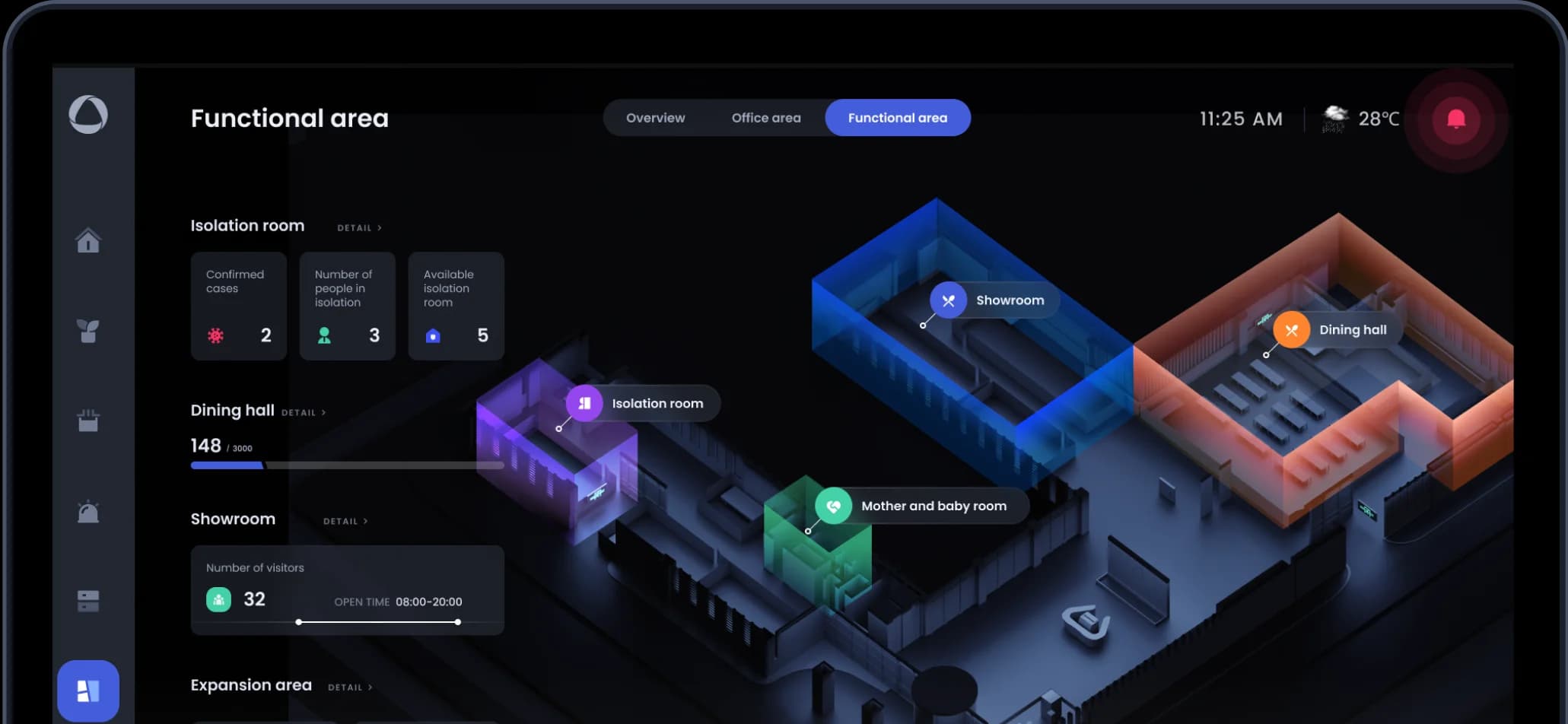
Digital Twin of TheHexaTown at a glance
The Digital Twin is a 3D replica of our office building, fed by live IoT data. From a browser, the team checks every floor and area, controls connected devices such as lights, and plans maintenance and space use without walking the building.
- Industry
- Smart buildings (IoT)
- Platform
- Web app (desktop and tablet browsers)
- Services
A virtual building, live
The 3D model updates with live IoT data, so we can see what is happening in each area without being there.
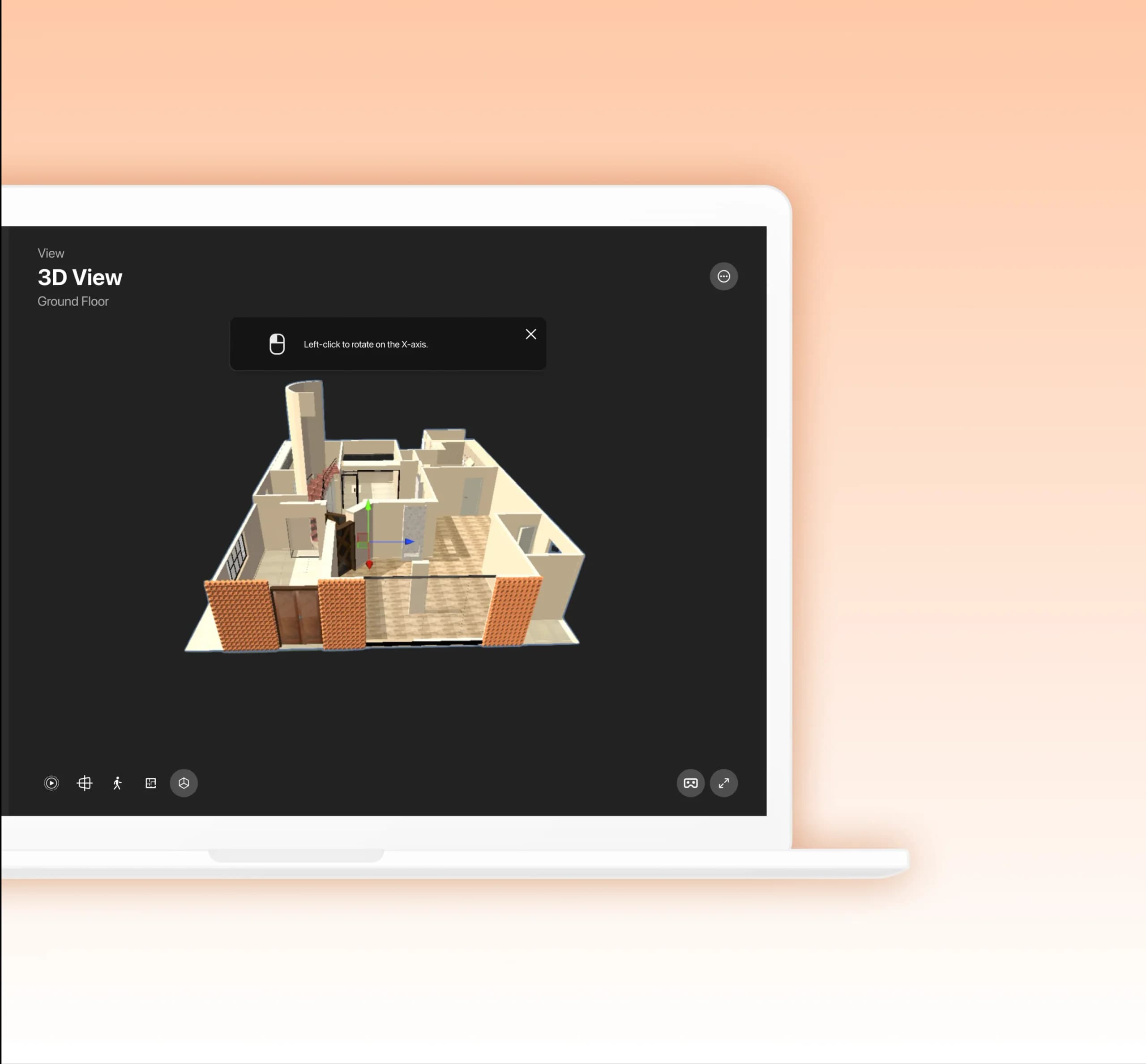
Live IoT data inside a 3D model makes a physical space far easier to monitor, control and manage.
Every floor, from your desk
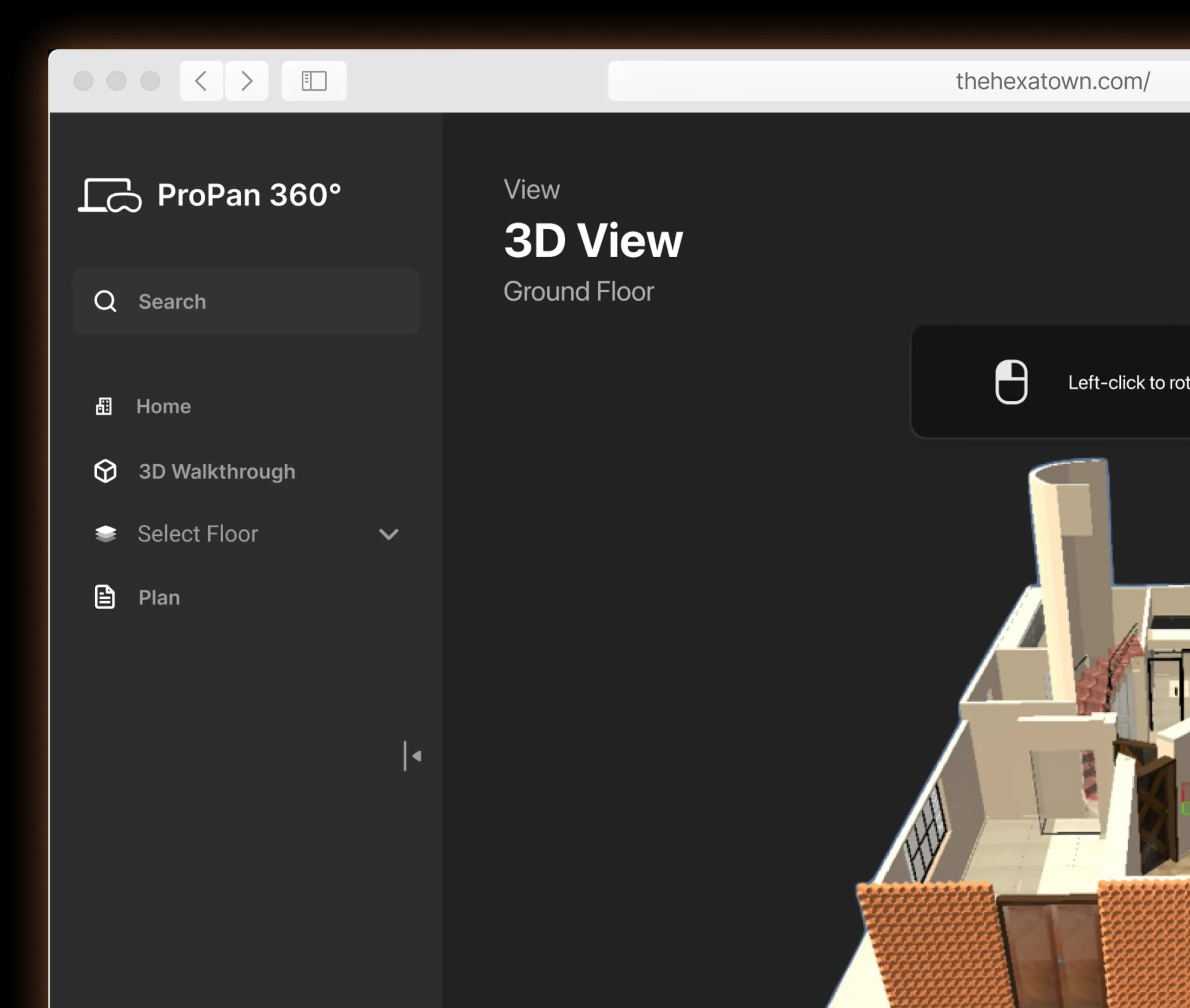
Floor-by-floor views and walkthroughs replace many of the rounds and manual checks that running a building used to take.
Problem
Why build a digital twin?
Running a building means juggling maintenance, space planning and daily operations. In our office those jobs were scattered, and most of them depended on someone being on site to check things by hand.
Solution
How we built the Digital Twin
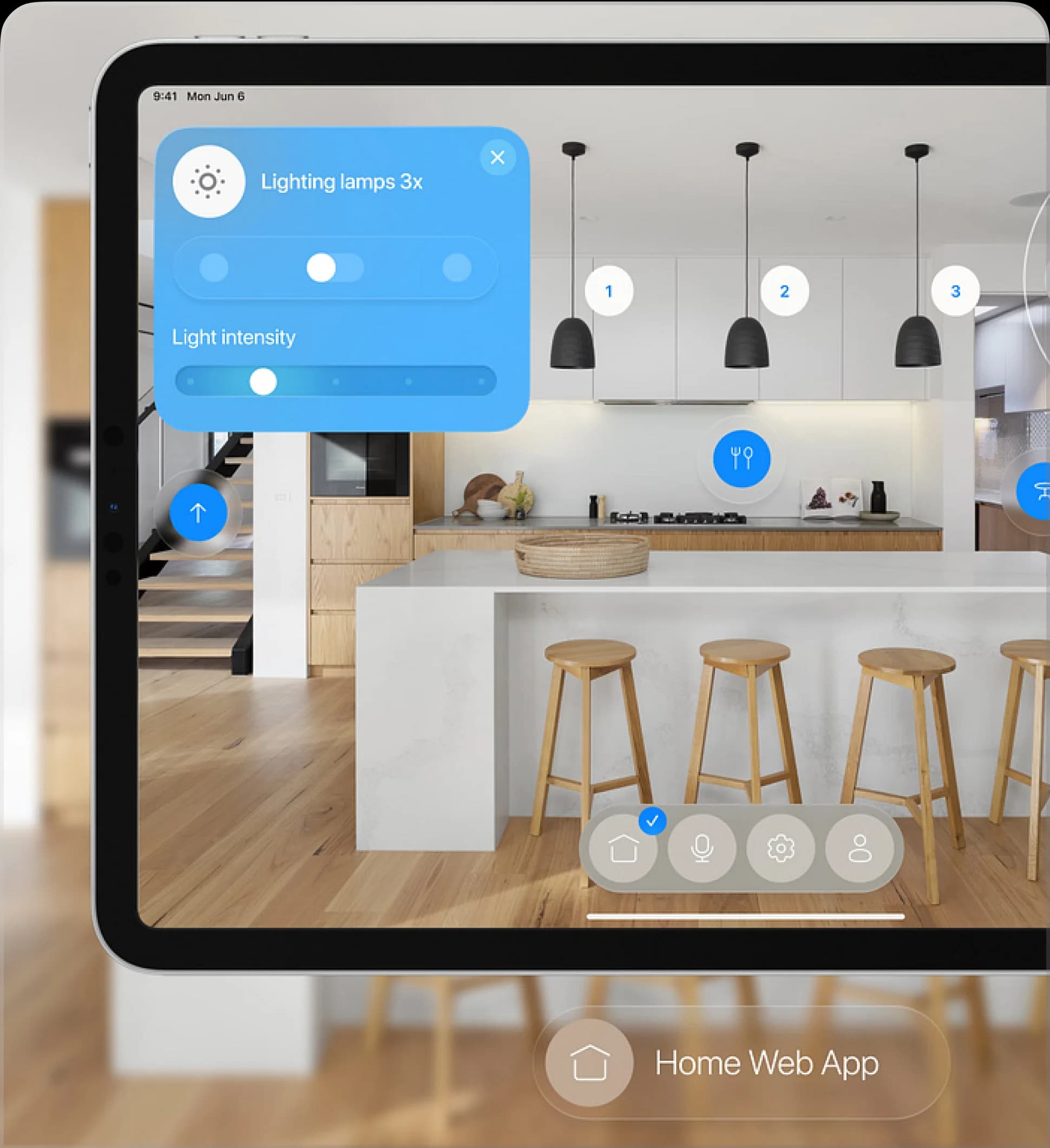
We modeled the building in 3D and connected it to real-time IoT data. The web app shows each floor and functional area, so the team can monitor spaces remotely, adjust devices precisely and act on what it sees.
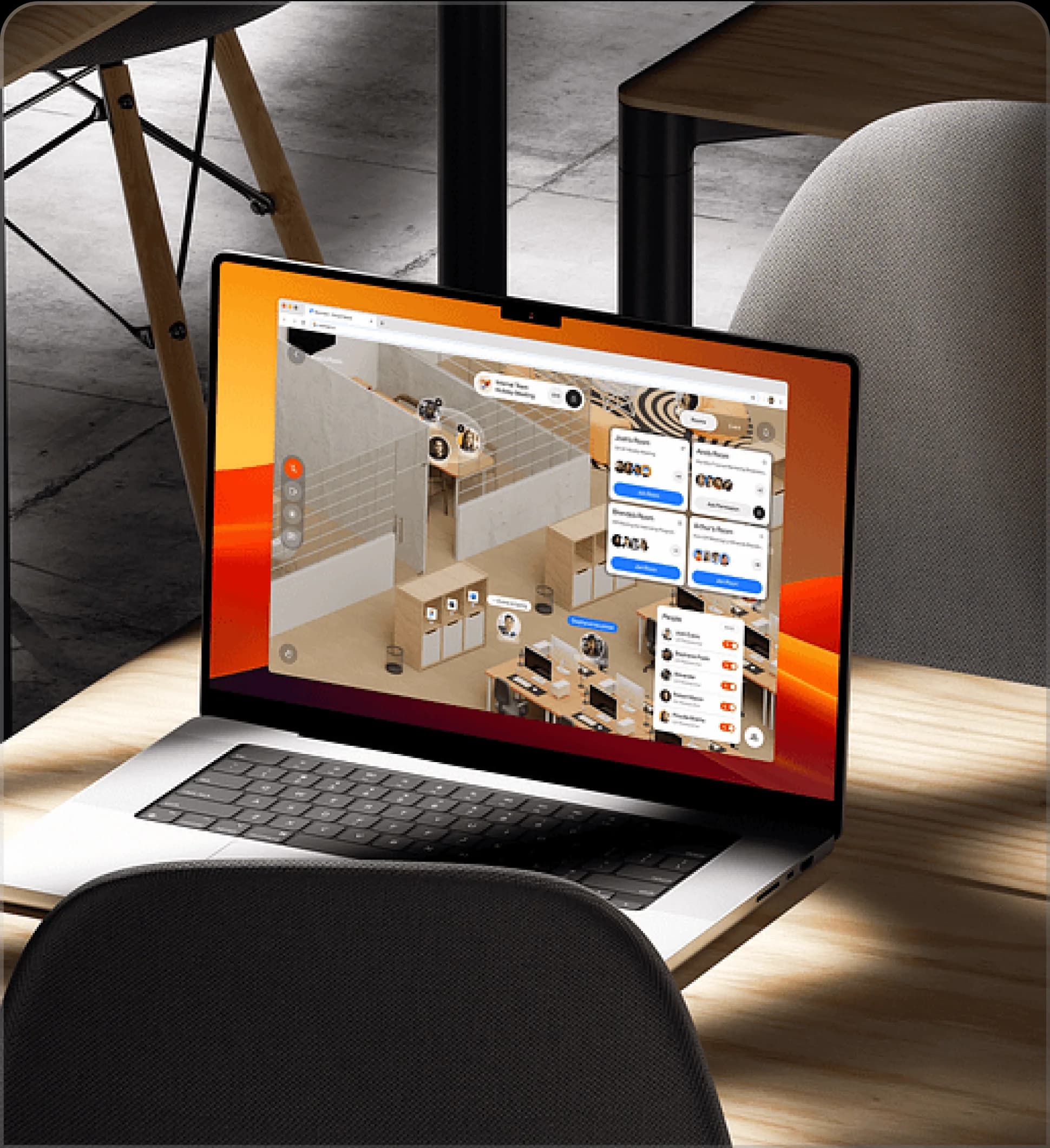
What can the Digital Twin do?
It turns building data into views anyone on the team can open in a browser, from a whole-floor overview to the controls for one room.
3D floor views
Live IoT data
Remote device control
Area overviews
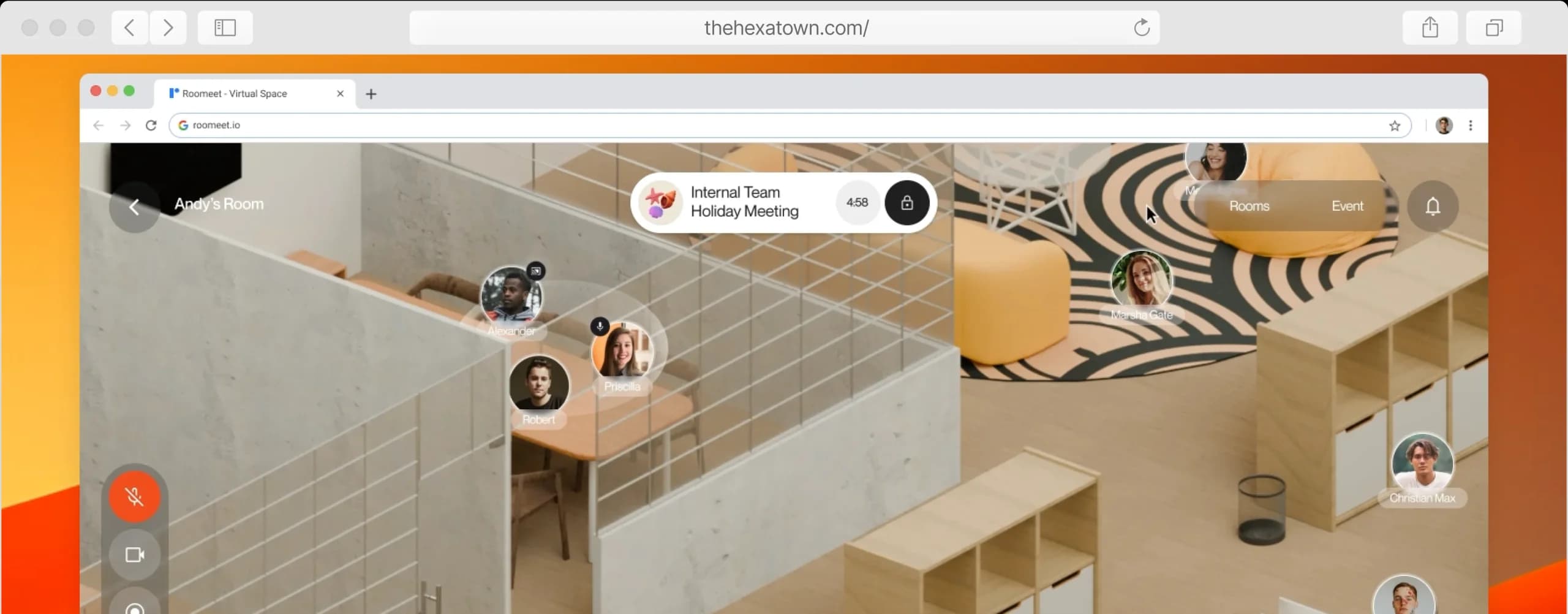
What changed
- Building management became more streamlined.
- Monitoring moved from on-site checks to a live, remote view.
- Office resources are used more effectively.
Related services and case studies
Services
More case studies
 AI Crop Monitoring AppA real-time crop health dashboard that turns AI robot surveillance into alerts, tasks and faster field decisions.
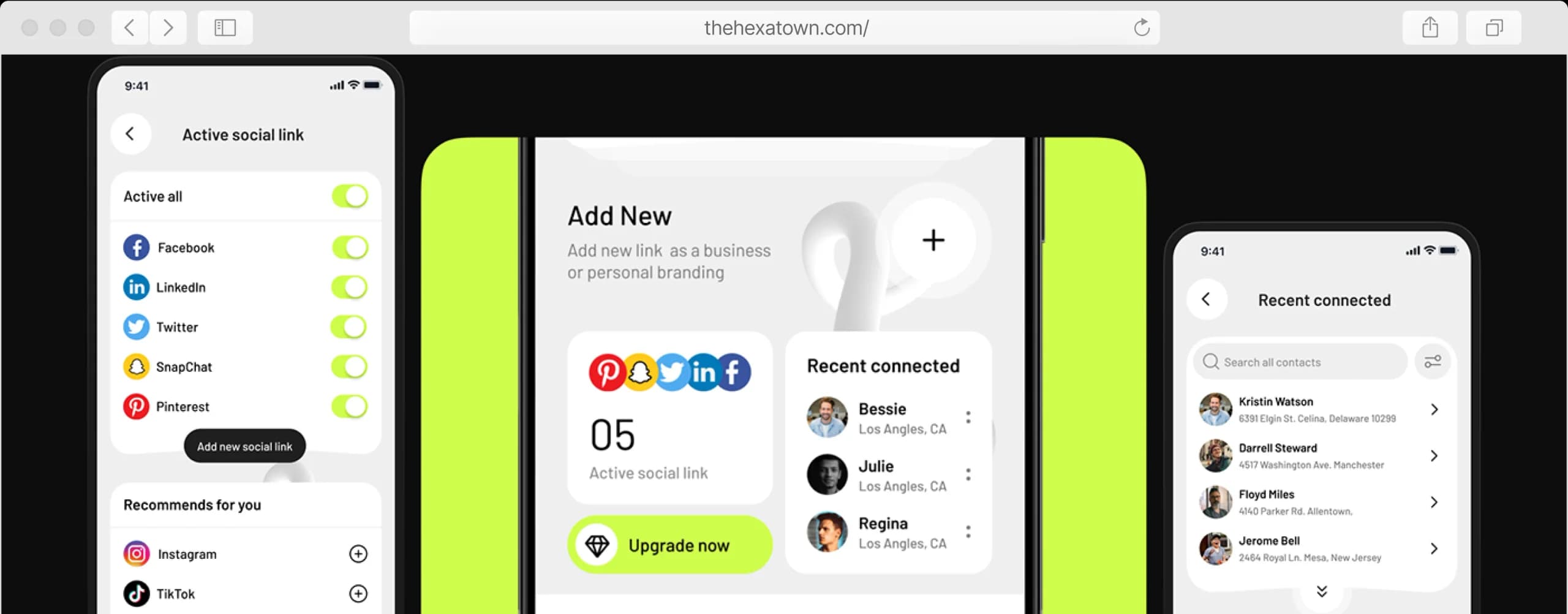 Smart NFCA mobile app for reading, writing and programming NFC tags, to share contact details with a tap and automate tasks.
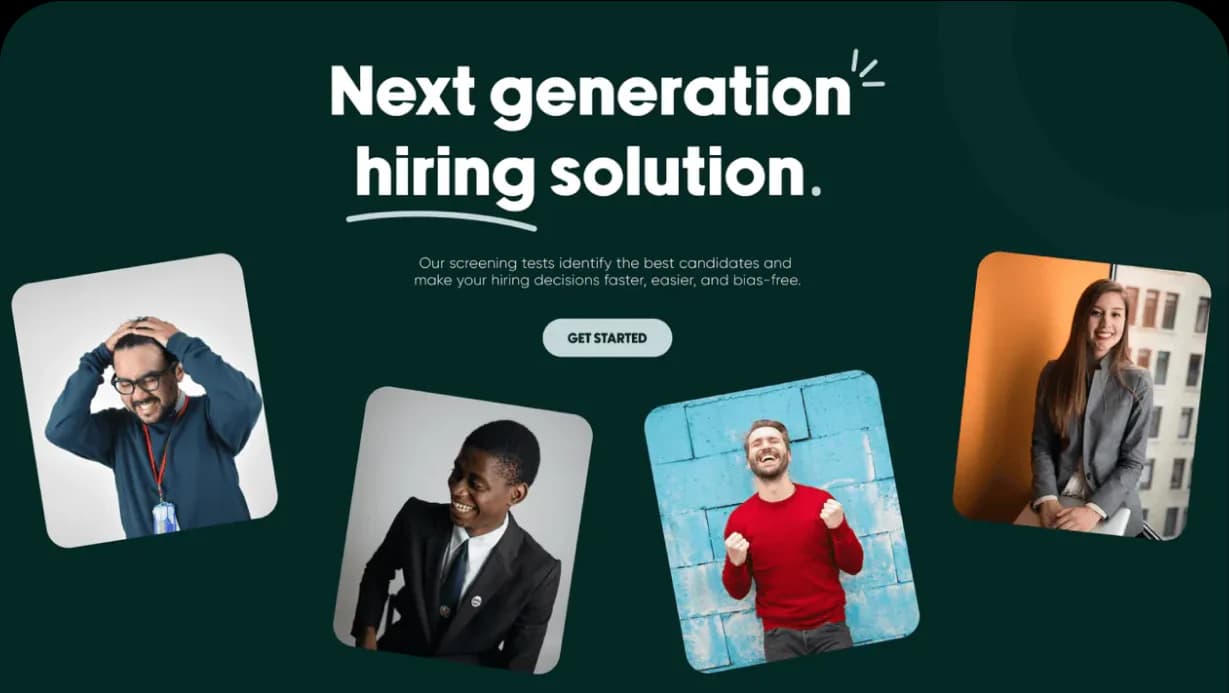 Hiring HashA SaaS platform for role-specific skill tests, one-click candidate screening and interview tracking.
Questions about this project
Quick answers about Digital Twin of TheHexaTown.
What is a digital twin of a building?
A virtual copy of a real building that mirrors it with live data from IoT sensors and devices. Instead of walking the floors, you open a 3D model to see each area and act on what it shows.
How does the digital twin use IoT data?
The app receives data from the office's IoT devices in real time and places it on the 3D model. Each floor and area can be checked remotely, and devices like lights can be adjusted from the same screen.
What can you control remotely with a digital twin?
In ours, the team monitors every floor and functional area and controls connected devices, such as lighting, from a browser. That cuts the site visits and manual checks that maintenance and space planning used to need.
Tell us what you're building.
